Recreate any photo, on the camera you own
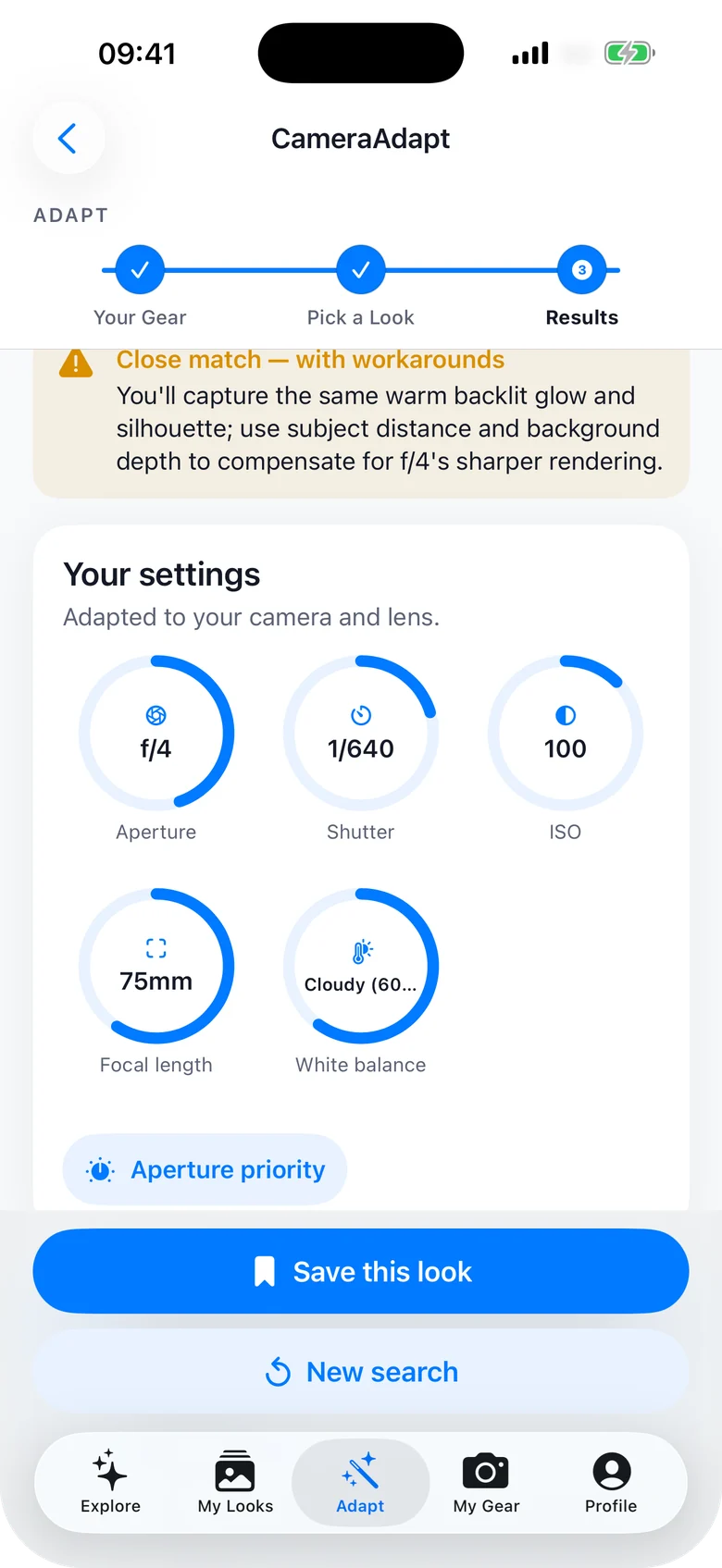
Pick a photo you love and get the exact settings behind it — aperture, shutter, ISO, focal length and white balance — re-calculated for your body and your lens, then the edit that finishes the look.

How it works
Three steps, about thirty seconds, and you're holding the settings.
Tell it your gear
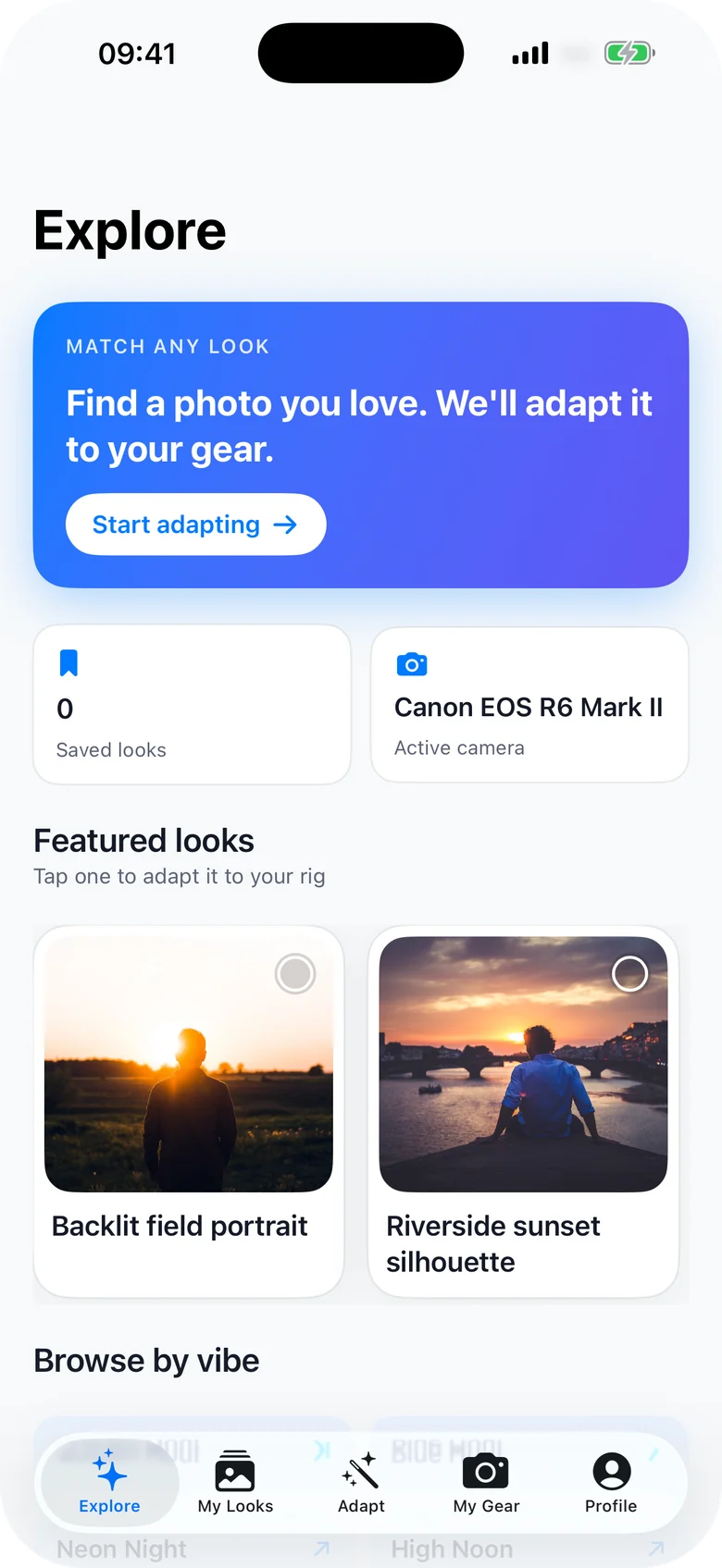
Pick your camera and lens once — 113 cameras (99 bodies and 14 iPhones) and 174 lenses with real optical data behind them. Fixed-lens cameras like the X100 and GR III skip the lens step.
Pick a look
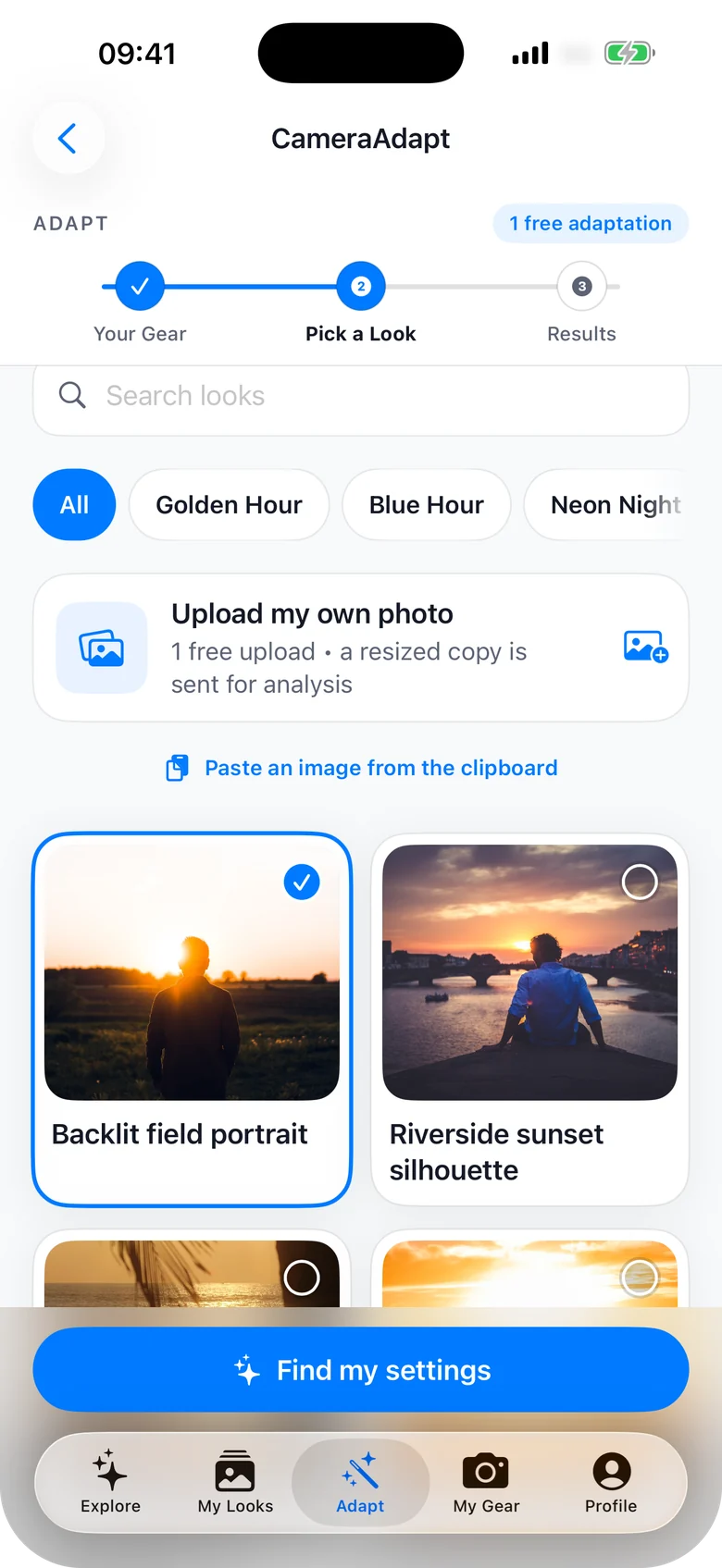
Choose from 100 reference photos, every one carrying its real camera metadata. Browse 10 moods — golden hour, blue hour, neon night, high noon, soft overcast, window light — or upload any photo of your own.
Go and shoot it
Your settings, in your camera's terms. What to do when your kit can't quite reach. Then the edit that closes the last of the gap.
What's inside CameraAdapt?
Why CameraAdapt?
The fastest way from "how did they shoot that?" to actually shooting it.
Stop guessing settings
Every reference look carries verified EXIF from the original frame. Facts are stated plainly; anything estimated is marked as an estimate, never dressed up as certainty.
Built for your gear, not a full-frame ideal
Most tutorials assume a full-frame body and an f/1.4 prime. CameraAdapt works with the crop sensor and the kit lens you actually own.
From photo to shot in seconds
Pick a look, read your settings, go and shoot. No menus, no manuals, no three-hour rabbit hole on a forum from 2011.
Not just our library — any photo you like
Upload a shot you found on Instagram, a frame from a friend, or something from your own camera roll. CameraAdapt reads the EXIF where it exists, estimates the rest, and always tells you which is which — estimates are hedged, never stated as fact.
Questions, answered
Everything people ask before they download it.
Which cameras does it support?
113 cameras (99 bodies and 14 iPhones) and 174 lenses — Canon, Nikon, Sony, Fujifilm, Panasonic, OM System and more, including fixed-lens compacts like the Fujifilm X100 and Ricoh GR III, which skip the lens step automatically.
Do I need to know photography already?
No. That's the point. CameraAdapt gives you the numbers to dial in and the order to do it in, in your camera's own language. If you can find aperture priority on your body, you can use it.
Where do the reference photos come from?
100 reference photos across 10 moods, each with intact, verified EXIF from the original file — the real aperture, shutter, ISO and focal length, not a guess at what they might have been.
What if my gear can't match the shot?
It tells you. Every result carries a match quality — a close match, or a compromise with the trade-offs spelled out and a workaround for each one. It never pretends your kit can do something it can't.
Does it edit the photo for me?
It gives you the recipe, not a filter. Exposure, highlights, shadows, blacks, clarity, vibrance and temperature, written in your editor's own controls — and exported as a Lightroom .xmp, a Capture One .costyle, or a .cube LUT for DaVinci Resolve, Premiere and Photoshop.
What does it cost?
CameraAdapt is free to download on iPhone and walks you through a real adaptation on your own gear, and a free web account browses the whole library. Adapting looks after that needs Pro: $9.99/month or $29.99/year with a 1-week free trial, on iPhone and the web. Prices vary by region.
Do I need an account?
Not on iPhone: no sign-up, no login, and your gear and saved looks live on your device. The web version uses a free account so your rigs and saved looks follow you between devices.
Who made it?
CameraAdapt is an independent app. Questions and bug reports go straight to a human: support@cameraadapt.com.